A launch monitor is a small device that measures your golf shot: ball speed, launch angle, spin and direction. Software then shows where the ball would go on a real golf course. It is the most important part of a home golf simulator.
What it does
When you hit a golf ball, a launch monitor watches the ball (and sometimes the club) for a very short time. From that, it works out how fast the ball left, how high, which way and how much it spins. Software then draws the full flight of the ball.
Without a launch monitor, you only see the ball hit a net. With one, you see the shot on a golf course or a practice range.
The main numbers, in simple words
- Ball speed: how fast the ball leaves the club. More speed usually means more distance.
- Launch angle: how high the ball starts.
- Spin: how much the ball turns in the air. It changes height and curve.
- Direction: left or right of your target.
- Carry: how far the ball flies before it lands.
Some models also measure the club: club speed, club path and face angle. These help you improve, but beginners can start with the ball numbers.
The three types
| Type | Where it sits | Good for |
|---|---|---|
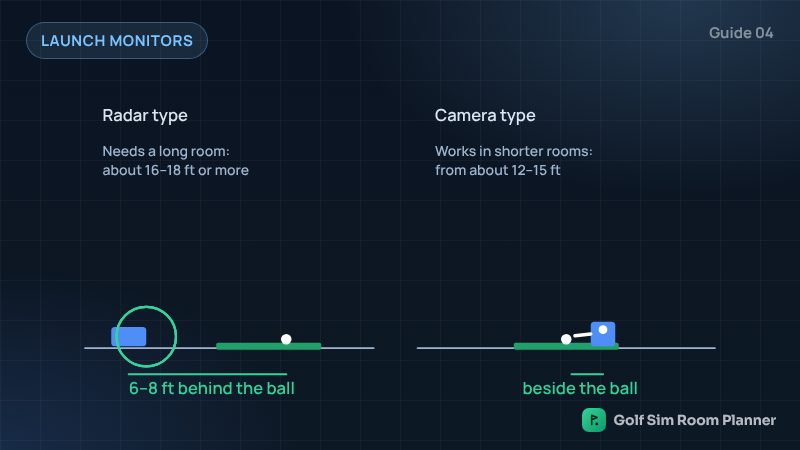
| Radar | On the floor, 6 to 8 ft behind the ball | Long rooms and outdoor range use |
| Camera | On the floor, next to the ball | Smaller rooms and steady indoor readings |
| Overhead | Fixed to the ceiling | Permanent rooms, right and left-handed players |
Read radar vs camera for a full comparison.
How to choose
- Start with your room. A short room rules out radar types. A low ceiling rules out overhead types.
- Think about who plays. If right and left-handed players share, a floor camera unit must move sides each time.
- Check the software. Some models include courses. Others need a yearly plan. Check the model page.
- Check the device you have. Some work with a phone or tablet. Others need a computer.
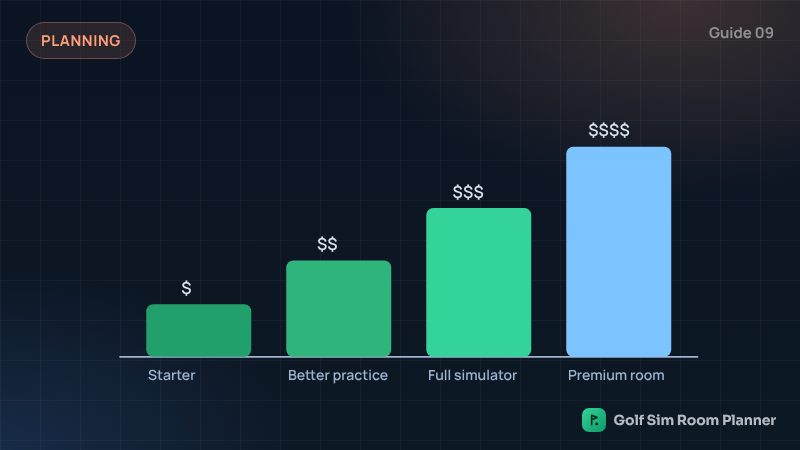
Our planner sorts launch monitors by your room and cost level.
Check your own room
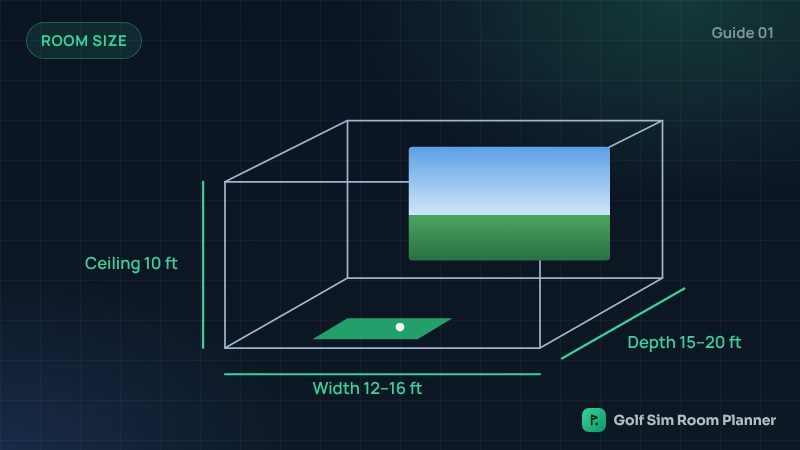
Enter your width, depth and ceiling. See it in 3D in seconds. Free.
Questions
Do I need a launch monitor for a golf simulator?
Yes. The launch monitor is what turns a net or screen into a simulator. Without it, you cannot see where the shot goes.
Can a launch monitor work with my phone?
Many entry models work with a phone or tablet app. Some premium models need a computer. Check the model page before you choose.
Do launch monitors need special golf balls?
Most work with normal golf balls. Some radar units suggest special balls or small metallic stickers indoors for better spin readings. Check the maker's guide.
Updated November 14, 2026. These are planning estimates from common setup guides. Always check the maker's setup guide and test your swing slowly in your own room.