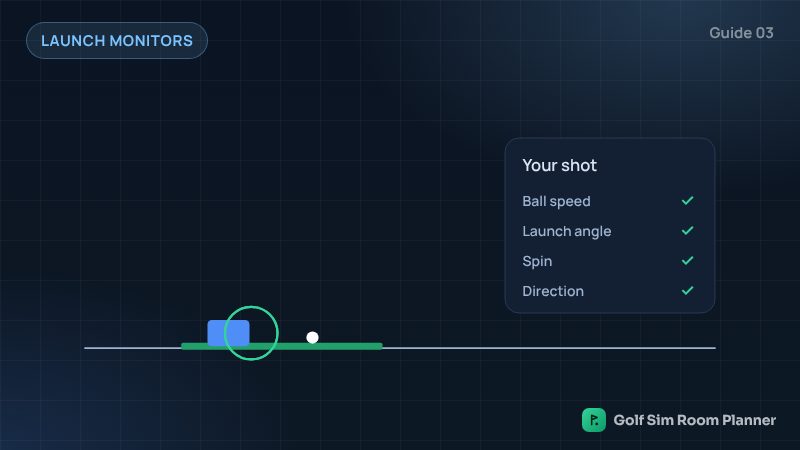
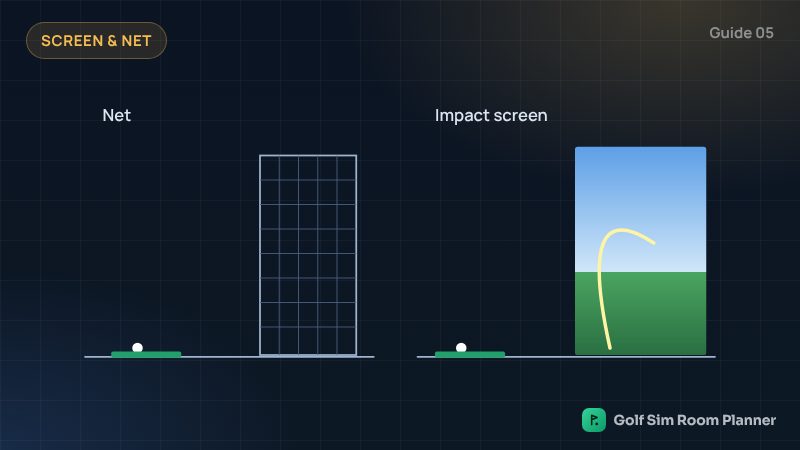
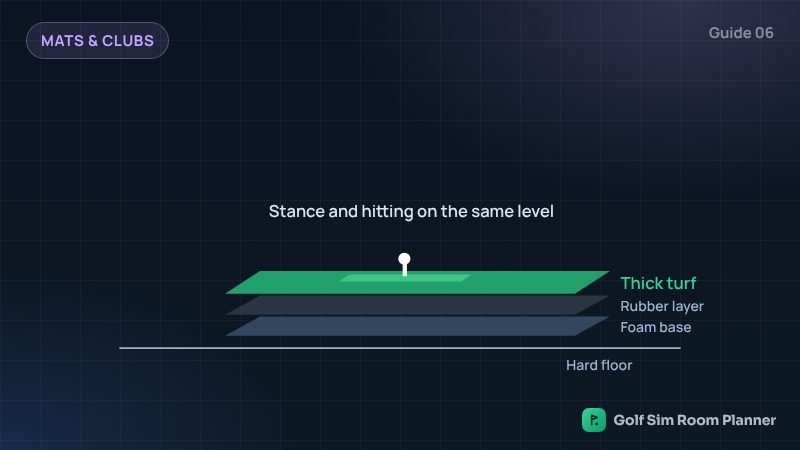
Start with three things: a launch monitor, a net and a good hitting mat, and see your shots on a phone or tablet. Later, add an impact screen and a projector. Building step by step keeps the cost level low and nothing is wasted.
The four setup levels
We use $ signs instead of prices, because prices change by country and season.
| Level | What you get | Where you see shots |
|---|---|---|
| $ Starter | Small launch monitor, net, mat | Phone or tablet |
| $$ Better practice | More exact launch monitor, net, mat | Phone, tablet or TV |
| $$$ Full simulator | Launch monitor, impact screen, projector, enclosure | Big projector picture |
| $$$$ Premium room | Premium or overhead launch monitor, full room build | Big projector picture |
Step 1: start small
Get a launch monitor that fits your room, a strong net and a good mat. This is enough to practise and play some courses on a phone or tablet. Use the clubs you already have, or start with a 7-iron and a wedge.
Step 2: play for a while
Use it for a few weeks or months. You will learn what you enjoy most: practice numbers, or playing courses with friends.
Step 3: upgrade the view
If you love playing courses, add an impact screen and a projector. Your launch monitor and mat stay the same.
Ways to keep the cost level low
- Choose the launch monitor for your room, not the most expensive one.
- Check if the launch monitor needs a yearly software plan. Some include courses with no fee.
- Use a computer, tablet or TV you already have.
- Spend a little more on the mat. It protects your body.
Our planner makes a shopping list for your room and the level you choose.
Check your own room
Enter your width, depth and ceiling. See it in 3D in seconds. Free.
Questions
What is the cheapest way to start a golf simulator?
A small launch monitor, a net and a good mat, with shots shown on your phone or tablet.
Do launch monitors have yearly fees?
Some do and some do not. Some include courses with no yearly fee, others need a plan for more features. Check before you choose.
Can I upgrade later?
Yes. The launch monitor and mat stay. You can add an impact screen and projector when you are ready.
Updated November 14, 2026. These are planning estimates from common setup guides. Always check the maker's setup guide and test your swing slowly in your own room.