1) Measure the room. 2) Check it in a planner. 3) Choose the launch monitor type. 4) Choose a net or screen. 5) Get a good mat. 6) Plan the software. 7) Set up the net or screen. 8) Place the mat and launch monitor. 9) Connect and calibrate. 10) Make slow test swings, then play.
Part 1: Plan
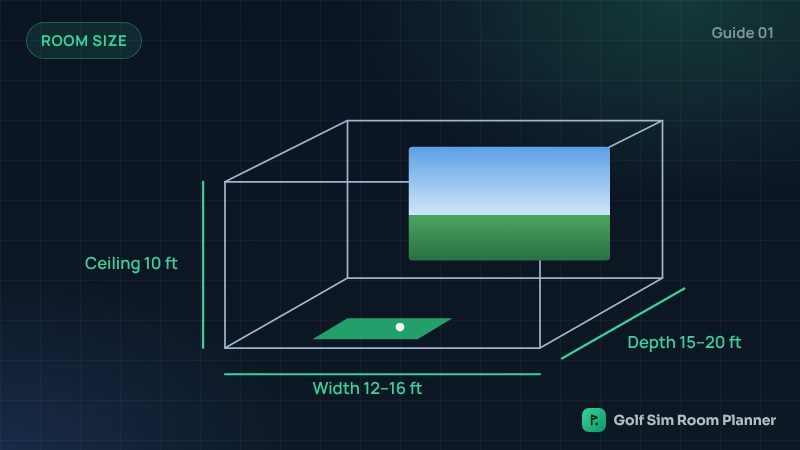
- Measure the room: width, depth and the lowest point above you. See how much space you need.
- Check it in our planner. It shows if it fits, in 3D.
- Choose the launch monitor type: radar, camera or overhead. See radar vs camera.
- Choose a net or an impact screen. See net vs screen.
- Choose a good hitting mat with a soft base.
- Plan the software and the device: phone, tablet or computer.
Part 2: Set up
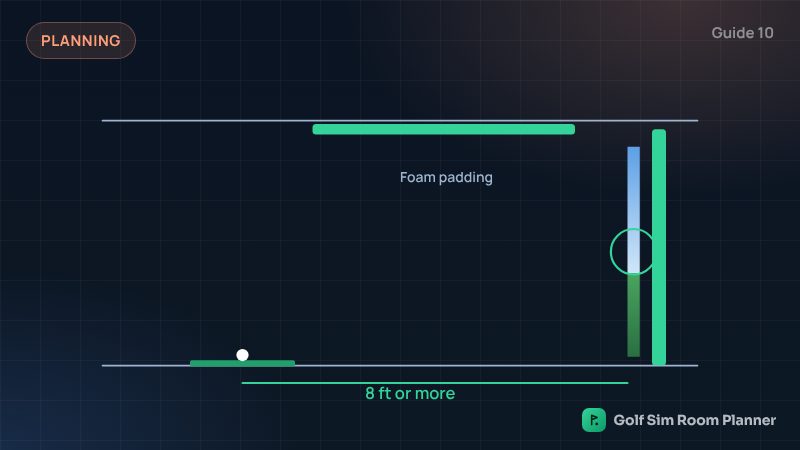
- Set up the net or screen. Hang a screen at least 1 ft off the wall. Add side nets.
- Place the mat so the ball is 8 to 12 ft from the screen. Place the launch monitor where the maker says.
- Connect and calibrate. Pair the launch monitor with the app, and follow the maker's alignment steps.
- Make slow test swings with your longest club. Watch the ceiling, lights and walls. Then hit soft shots first.
Safety check before you play
- Nothing breakable near the swing or the screen.
- Foam on beams and hard edges.
- Only the player in the hitting area. Others stand behind.
- Cables taped down, so nobody trips.
Your first week
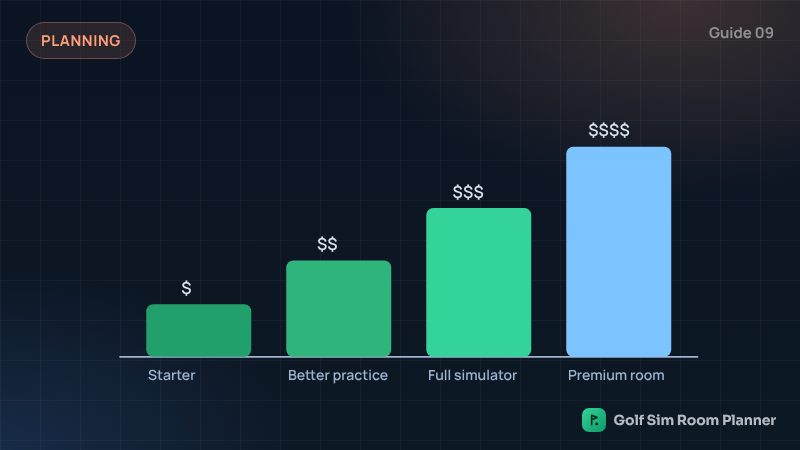
Start on the practice range with a 7-iron. Learn your numbers. Then try a short course. Have fun, and add upgrades slowly. Read starting on a budget for upgrade ideas.
Check your own room
Enter your width, depth and ceiling. See it in 3D in seconds. Free.
Questions
What is the first step to set up a golf simulator?
Measure your room: width, depth and the lowest point above where you will swing. Then check it in a planner.
How long does it take to set up a golf simulator?
A net setup takes minutes. An enclosure with a projector often takes a day or a weekend.
Do I need to calibrate my launch monitor?
Most need a simple alignment so they aim at your target. Follow the maker's setup steps.
Updated November 14, 2026. These are planning estimates from common setup guides. Always check the maker's setup guide and test your swing slowly in your own room.