Keep light off the screen and put soft lights behind or above the player. Block windows with curtains for a brighter projector picture. Camera launch monitors may need steady, even light on the ball, so check the maker's guide.
Keep light off the screen
A projector picture looks best on a dark screen. Any lamp or window that shines on the screen makes the picture grey and pale.
- Use curtains or blinds on windows.
- Turn off lights near the screen.
- Choose a projector with about 3,000 lumens or more if you cannot make the room dark.
Light the player, not the picture
Soft lights behind or above the player let you see the ball and the mat. Avoid bright light pointing at the screen or into the player's eyes.
Camera launch monitors and light
Camera units take very fast pictures of the ball. Some need steady, even light. Flickering lights or strong sunlight on the mat can cause missed shots. Read the maker's guide for your model.
No shadows on the screen
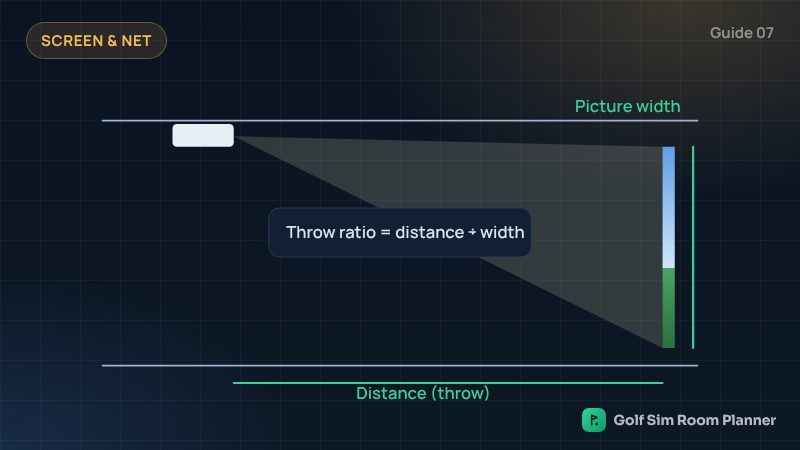
Mount the projector so your body does not block the light. A ceiling mount near or a little in front of where you stand works well. See our projector guide.
Keep lights safe
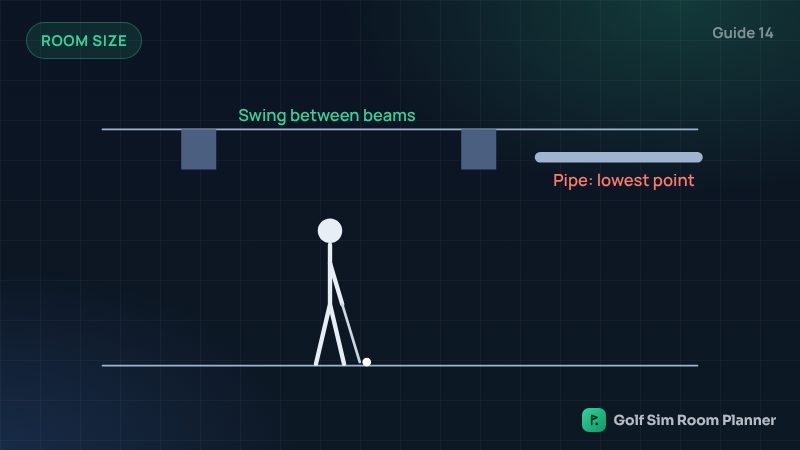
- Check the club cannot reach any light or the projector.
- Use flat ceiling lights instead of hanging lamps.
- Never swing under a ceiling fan.
Check your own room
Enter your width, depth and ceiling. See it in 3D in seconds. Free.
Questions
Should a golf simulator room be dark?
The screen area should be dark for a bright picture, with soft light behind or above the player.
Why does my camera launch monitor miss shots?
Lighting is a common reason. Flickering lights or strong sunlight on the mat can confuse cameras. Check the maker's lighting advice.
Where should lights go in a golf simulator?
Behind or above the player, away from the screen and out of the swing path.
Updated November 14, 2026. These are planning estimates from common setup guides. Always check the maker's setup guide and test your swing slowly in your own room.